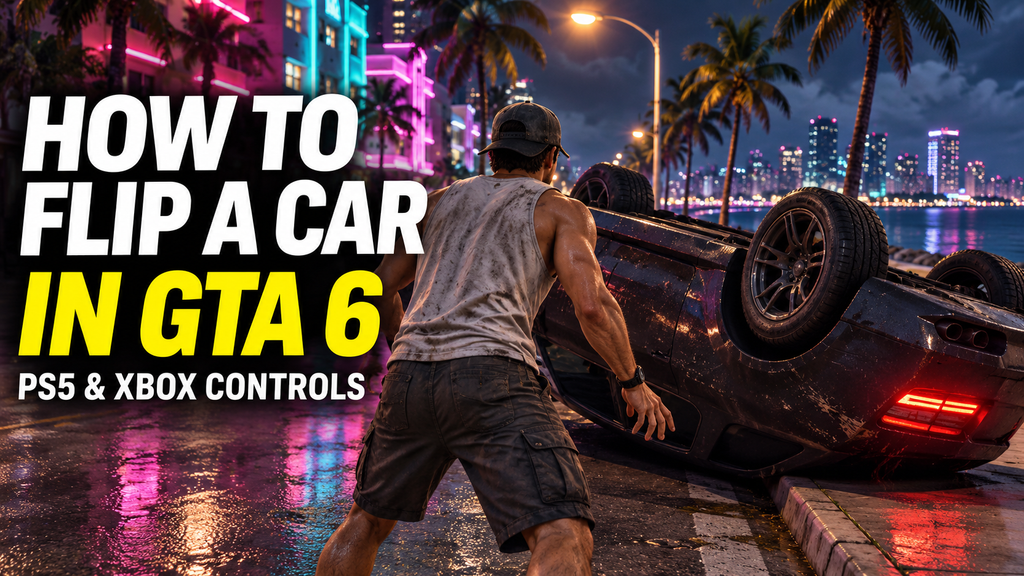
Flipped your car onto its roof in Grand Theft Auto 6? You don’t have to abandon it straight away. Get out, walk up to the overturned vehicle, and use the shove action to try to push it back onto its wheels.
On the default console controls, approach the car and press Square on PS5 or X on Xbox when the prompt appears. The action can also work on a car lying on its side. It may take more than one attempt, and flipping the vehicle upright does not automatically repair any damage from the crash. VGC’s GTA 6 guide All Things How
Table of Contents
Quick steps
- Exit the overturned car.
- Walk close to its side.
- Follow the on-screen prompt and use the shove action.
- If it does not move, reposition yourself and try again.
- Once it is back on its wheels, check whether it still runs.
The most important detail is to approach the side of the car. Walking into the vehicle helps trigger the pushing animation. On PS5, the shove action is Square; on Xbox, it is X. Controls can vary with your control layout, so follow the prompt shown in your game. VGC
How the shove action works
The car-flipping action is performed on foot. After a crash, leave the vehicle and move toward its side. Your character should shift into a pushing animation when positioned correctly. Then use the prompted shove control to try to roll the vehicle back onto its wheels.
The game’s Help menu describes this as an attempt to shove the vehicle upright, so it may not work on the first try. If the character does not begin pushing, move a little closer or approach from another part of the side. Check that you are not still inside the vehicle and that you can reach the car without an obstacle in the way.
Once the car is upright, get back in and see whether it can still be driven. The shove fixes its position, but it does not undo crash damage. If the engine or other parts are badly damaged, the car may handle poorly or fail to move. All Things How
PS5 and Xbox controls
For the default control scheme:
| Platform | Action |
|---|---|
| PS5 | Approach the overturned car and press Square when prompted |
| Xbox | Approach the overturned car and press X when prompted |
If the button shown on your screen differs, trust the in-game prompt. Alternative control layouts, accessibility settings, or updates may change how an action is displayed.
What if the car is on its side?
The same method can work when the vehicle has landed on its side rather than fully upside down. Get out and approach the side of the car. When your character enters the pushing animation, use the shove control shown on screen.
How to Flip a Car Back Over in GTA 6
Your position matters. If you stand at the front or rear, the character might push the vehicle without turning it over. Try moving along the side until the animation begins. Then hold or press the displayed button as indicated by the prompt.
Can you flip the car while still inside?
The method described in current guides requires you to get out and push the vehicle on foot. Trying to accelerate, steer, or use the handbrake while the car is upside down may not get it back onto its wheels. Exit safely, approach the car, and use the shove action instead.
If the car is in a race or another activity where you cannot get out, look for a Reset option or check the activity’s controls. Race recovery can work differently from manually pushing a vehicle in the open world. VGC reports that in a race, the reset control is Back on Xbox or the Touch Pad on PS5, though follow the prompt shown in your event. VGC
Flipping a car is not the same as repairing it
Pushing the vehicle upright only changes its position. It does not restore the engine, bodywork, tyres, or other damaged parts. A car that was badly damaged in the crash may still be difficult to drive after you flip it over.
If it will not start or move, check the game’s vehicle recovery or repair options. For a personal vehicle, the game’s Help menu describes ways to recover or arrange repairs. An unowned vehicle may not be recoverable once it is destroyed. All Things How
Can you push other vehicles?
The shove mechanic is not limited to cars that have rolled over. It can also help move certain stuck vehicles. For example, guides report using the same general pushing action to move a beached boat back toward the water. Results depend on the vehicle and its position, so use the controls and prompts that appear in the game. GamesRadar+
Why the action may not work
If the car does not move, check these points:
- You may be standing in the wrong place. Move to the side of the overturned vehicle.
- You may be too far away. Walk closer until the pushing animation or button prompt appears.
- The car may be blocked. If a wall, barrier, or another vehicle is trapping it, try a different accessible side.
- You may be using the wrong control. Look for the on-screen prompt, especially if you changed your control layout.
- The vehicle may be badly damaged. Flipping it upright does not repair it, so it may still be undriveable.
Try repositioning before giving up on the vehicle. If it remains stuck or unusable, use the relevant recovery option for your situation.
How to avoid rolling your car again
GTA 6’s vehicle handling can make a small collision turn into a bigger crash, especially at high speed or on uneven ground. To reduce the chance of rolling:
- Slow down before sharp turns.
- Avoid clipping the edge of another vehicle at speed.
- Ease off the accelerator when the car starts to slide.
- Be careful on rough ground and steep slopes.
- Leave space around other traffic, especially during races.
These habits will not prevent every crash, but they can make it easier to keep control. When a car does roll, the shove action gives you a way to try to get it upright without immediately leaving it behind.
Frequently asked questions
How do I flip my car back over in GTA 6?
Get out, approach the side of the overturned vehicle, and use the shove action when it appears. On the default console controls, press Square on PS5 or X on Xbox. VGC
Do I need to hold the button?
Follow the on-screen prompt. The action may appear as a press or hold depending on the control prompt and situation. The game’s Help menu describes approaching the vehicle and holding the shove control on PS5. All Things How
Why can’t I push the car?
Move closer and approach its side. Make sure you are outside the vehicle, then look for the pushing animation or prompt. If the car is blocked, try another accessible point along its side.
Does flipping the car repair it?
No. It only attempts to put the vehicle back on its wheels. Crash damage may still affect how it drives, and a badly damaged car may need repair or recovery.
Can I reset a flipped car during a race?
Race recovery may use a reset control instead of the on-foot shove action. Check the prompt for your event. VGC lists Back on Xbox and the Touch Pad on PS5 for resetting a car in a race. VGC
Final answer
To flip a car back over in GTA 6, get out, walk up to its side, and use the shove action. On default PS5 and Xbox controls, that is Square and X, respectively, when prompted. If the vehicle is still damaged afterward, you will need a separate repair or recovery option.
SEO title: How to Flip a Car Back Over in GTA 6
Meta description: Learn how to flip an overturned car in GTA 6. Get the PS5 and Xbox controls, step-by-step instructions, race reset tips, and advice for damaged vehicles.
Suggested URL slug: how-to-flip-car-over-gta-6